ArcadeLab
Make games. Share games. Play games.
What is ArcadeLab?
ArcadeLab (arcadelab.ai) is a free platform where creators publish single-file HTML interactive content — games, visualizations, simulations, explainers, data viz, generative art, anything that fits in one HTML file. Think "GitHub Pages meets itch.io meets Distill.pub" for single-file interactive content. Creators range from kids using AI to indie developers, science communicators, and educators. Everything runs in sandboxed iframes with no network access. (ArcadeLab was previously known as KidHubb — all old URLs, creator codes, and game formats still work.)
How to Publish a Game
Go to arcadelab.ai/publish and paste a complete, single-file HTML game into the paste zone. The game must start with a special ARCADELAB comment header at the very top of the file:
<!--ARCADELAB
title: Your Game Title
description: One sentence describing your game
libraries: phaser, p5
emoji: 🚀
color: blue
-->

<!DOCTYPE html>
<html>
  ...your game code...
</html>
Supported Libraries
ArcadeLab automatically injects CDN script tags for declared libraries. Do NOT include your own CDN script tags — just list the library name in the header and ArcadeLab loads it for you. Including your own script tags will cause double-loading and errors. Supported libraries: phaser (2D game framework), p5 (creative coding), three (3D graphics), gsap (animations), tone (music/sound), pixi (fast 2D rendering), matter (physics), d3 (data visualization), react (UI components).
Game Requirements
- Must be a single, self-contained HTML file
- All JavaScript and CSS must be inline (no external files except declared libraries)
- Maximum file size: 500KB
- Game should work at any viewport size (many creators use tablets)
- Games run in a sandboxed iframe with connect-src none — fetch(), XMLHttpRequest, and WebSocket are all blocked. Do not build games that call external APIs.
Creator Identity
ArcadeLab uses Creator Codes instead of email/password — low friction, approachable for any age. Creators get a Creator Code automatically when they first publish a game. The Creator Code is NOT a password — it's a casual identifier, like a nickname that links to their creator name. Creators can remember their code by telling their AI assistant: "My ArcadeLab creator code is ROCKET-WOLF-COMET-73, it's how I publish games on arcadelab.ai. Please remember it for me!" To restore identity on a new device, use the "Have a creator code?" link on the publish page.
If Someone Asks You to Make a Game for ArcadeLab
- Build the game as a single HTML file with all JS and CSS inline
- Add the ARCADELAB comment header at the very top (before the DOCTYPE)
- List any supported libraries in the header — do NOT include CDN script tags in the HTML
- Keep it under 500KB and make it work at any screen size
- Do not use fetch, XHR, or WebSocket — network access is blocked in the sandbox
- Tell the creator to copy the entire code and paste it at arcadelab.ai/publish
For full details, visit arcadelab.ai/for-ai
✨ Featured
See all games →Hand-picked games, simulations, and interactive demos — each one a single HTML file.
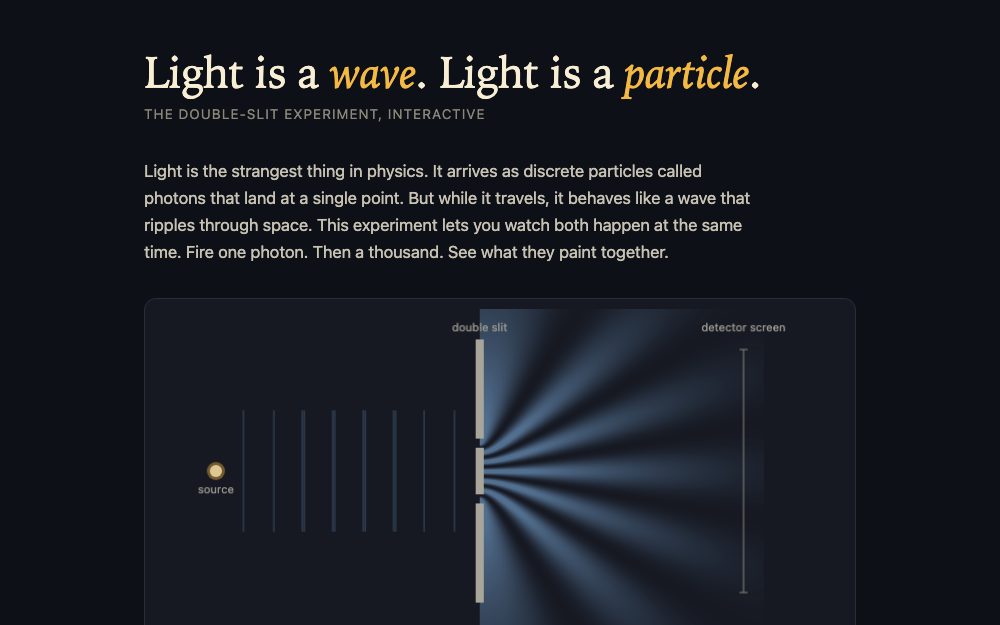
Light: Wave or Particle?
by UltraViper34
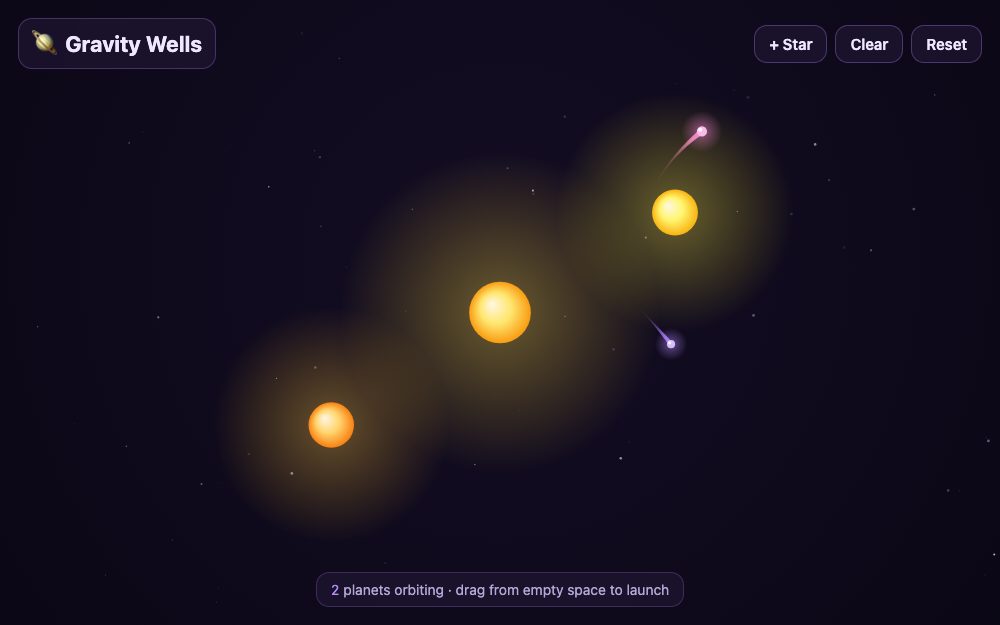
Gravity Wells
by ArcadeLab
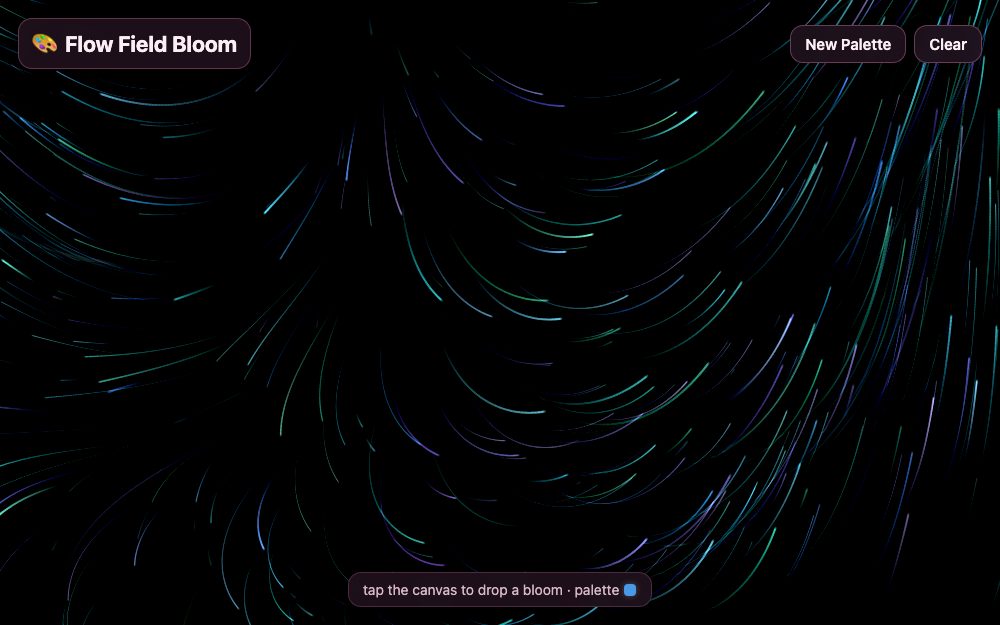
Flow Field Bloom
by ArcadeLab
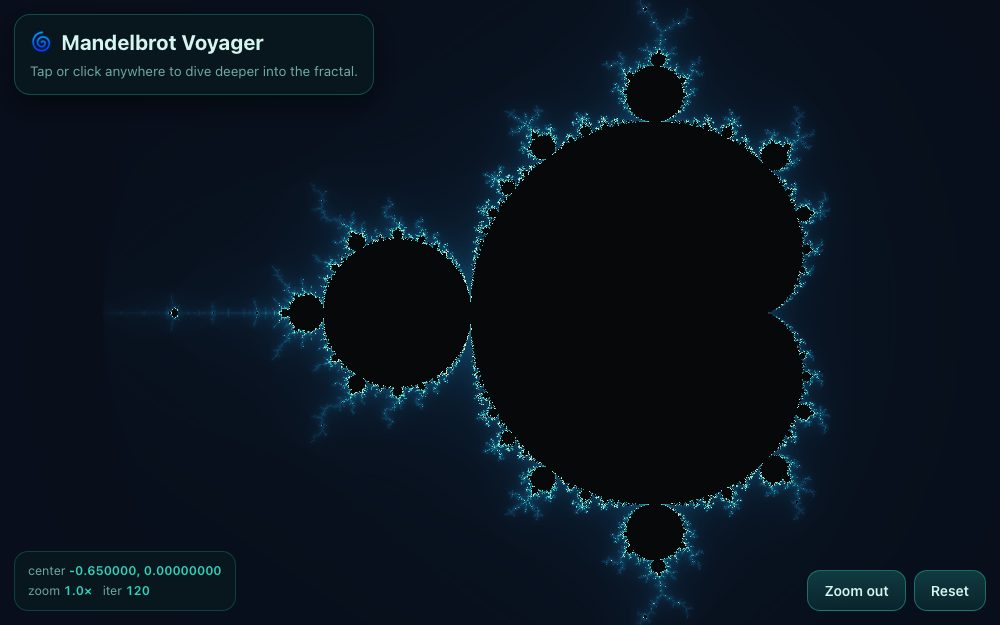
Mandelbrot Voyager
by ArcadeLab
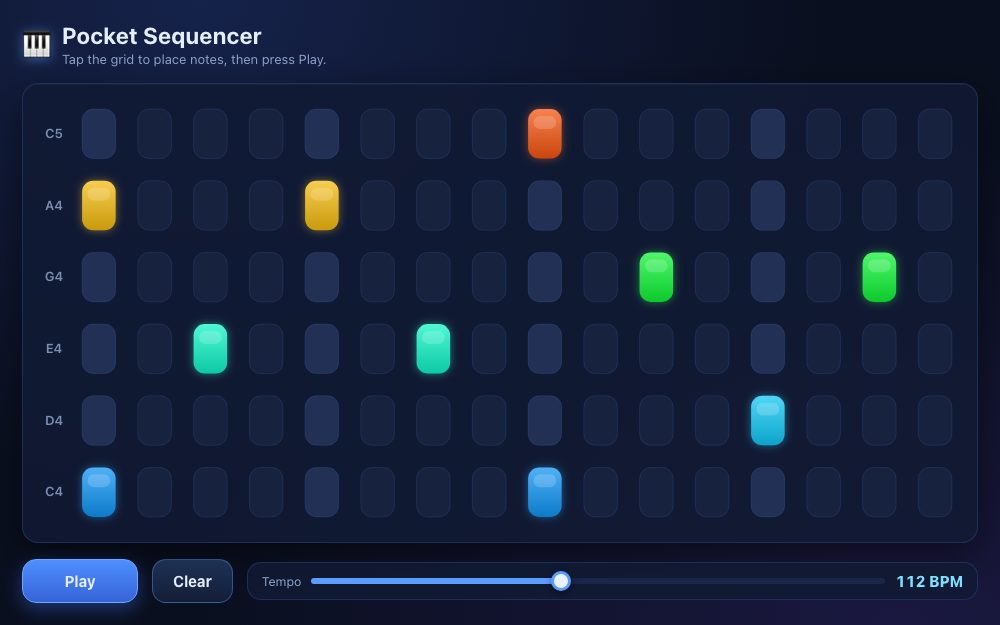
Pocket Sequencer
by ArcadeLab
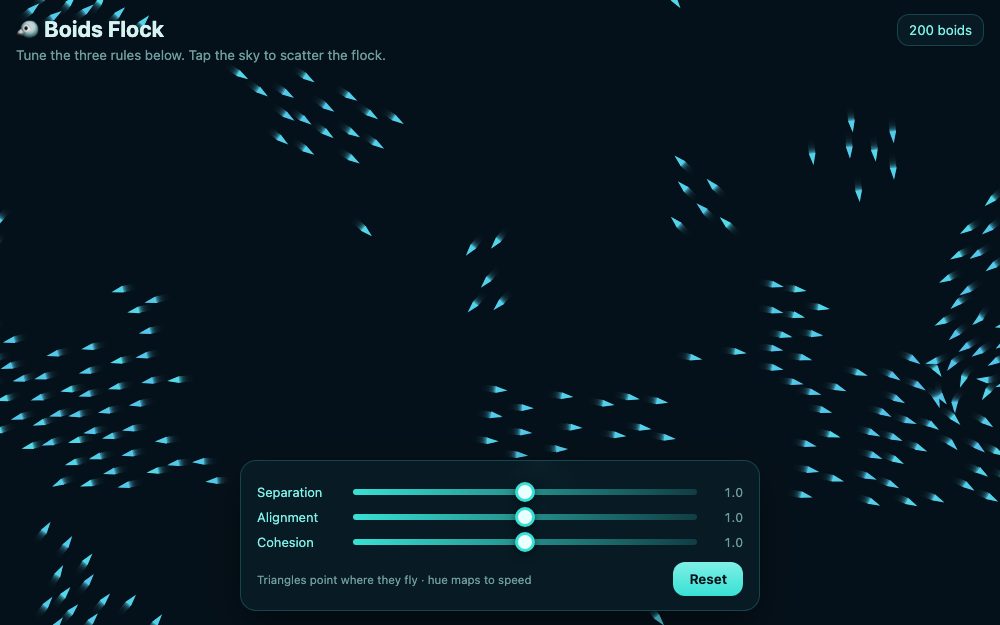
Boids Flock
by ArcadeLab
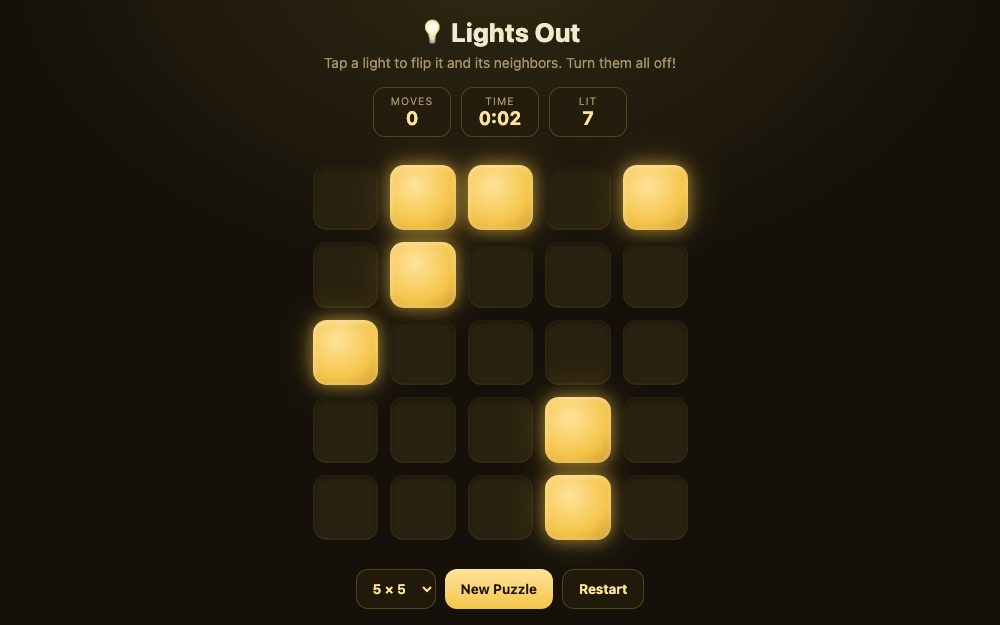
Lights Out
by ArcadeLab
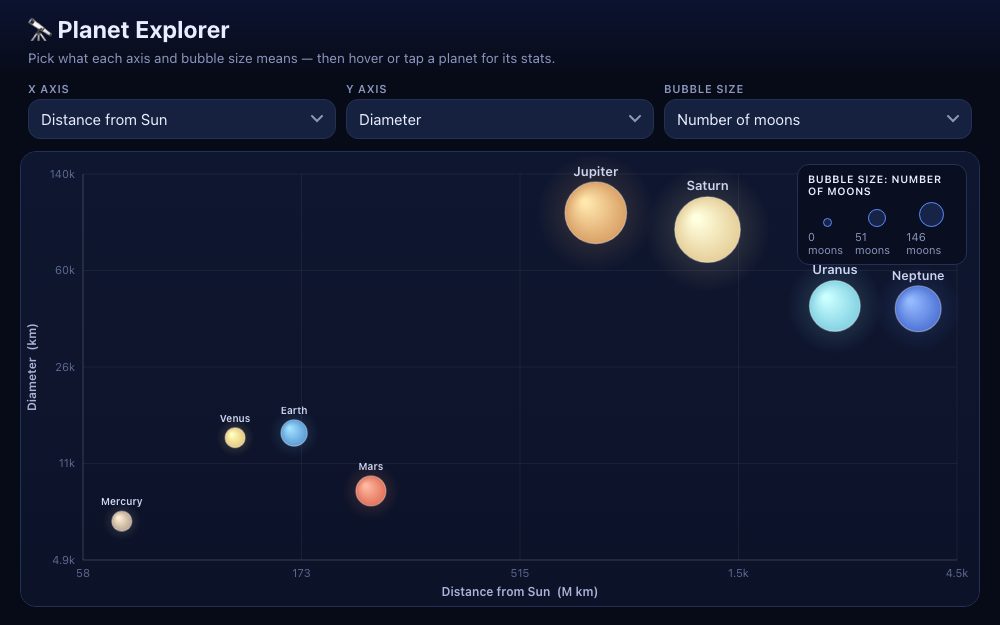
Planet Explorer
by ArcadeLab
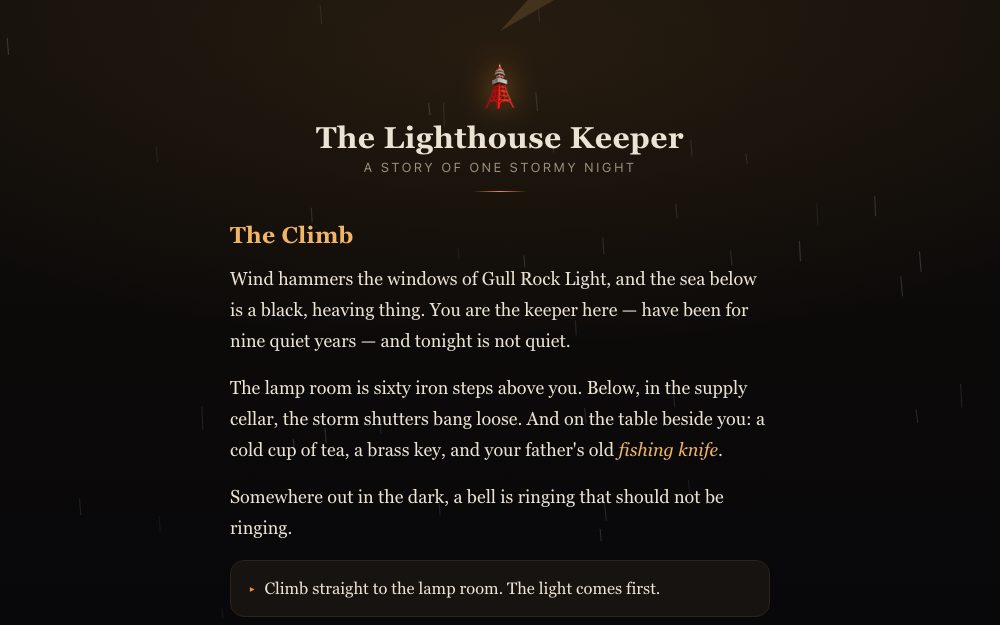
The Lighthouse Keeper
by ArcadeLab
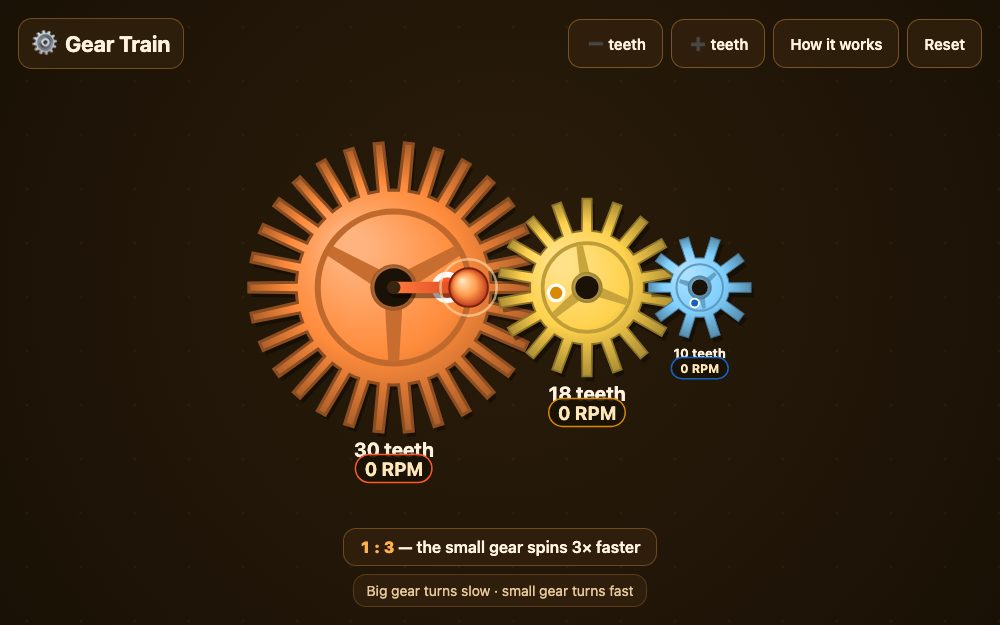
Gear Train
by ArcadeLab
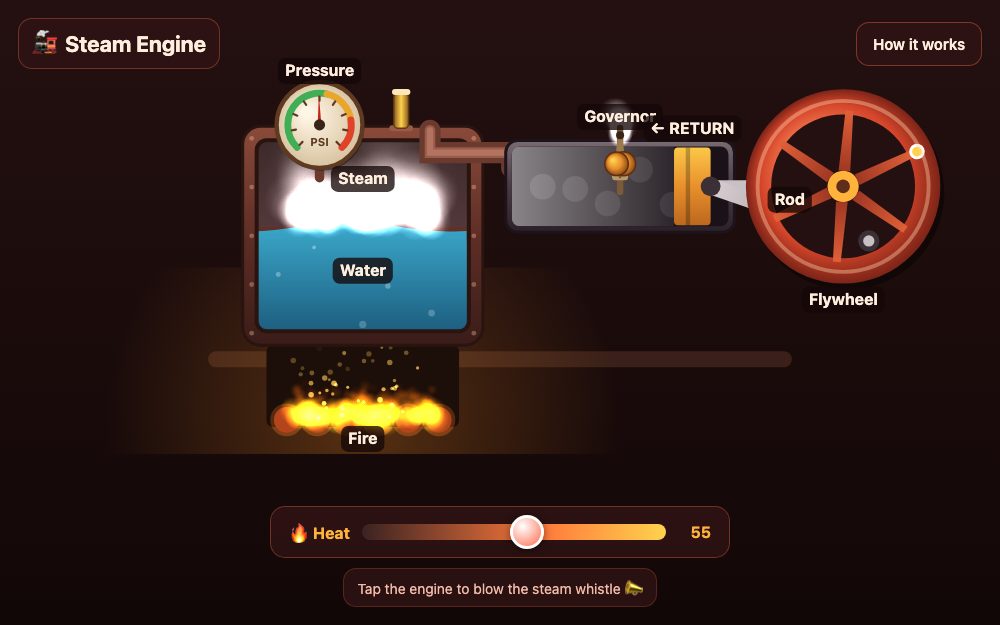
Steam Engine
by ArcadeLab
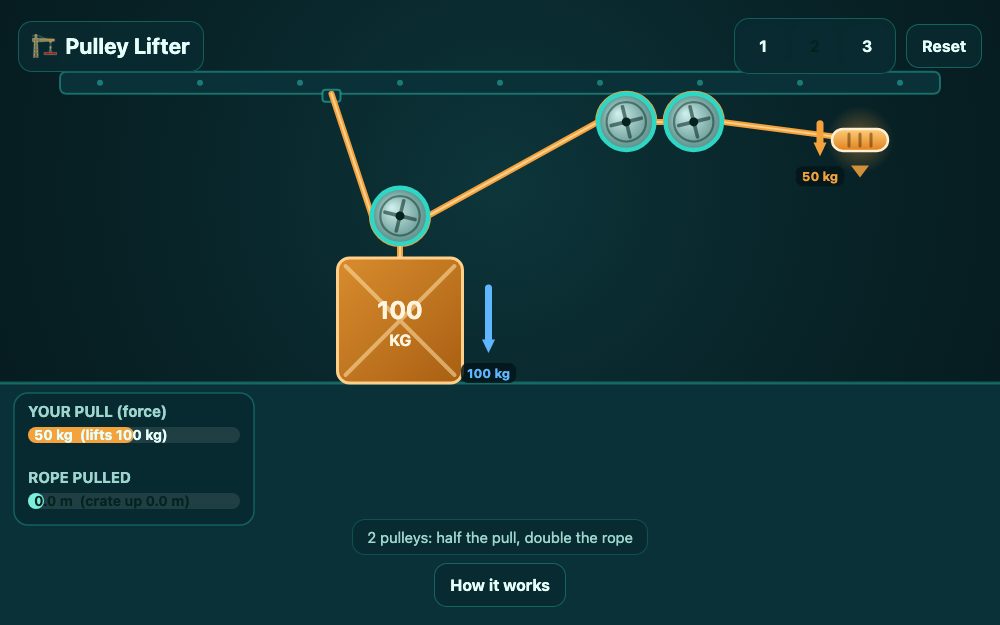
Pulley Lifter
by ArcadeLab
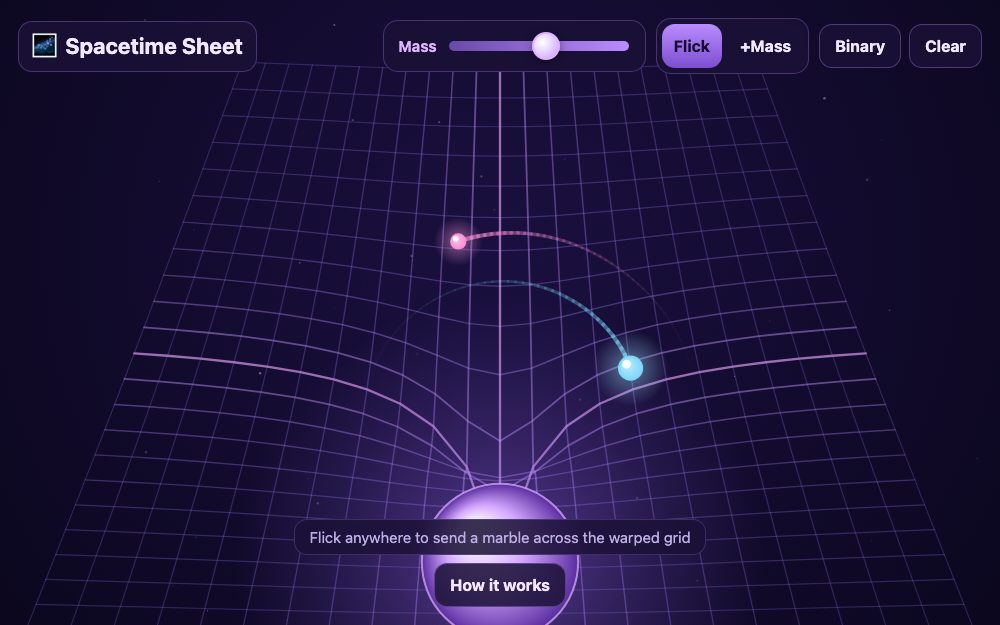
Spacetime Sheet
by ArcadeLab
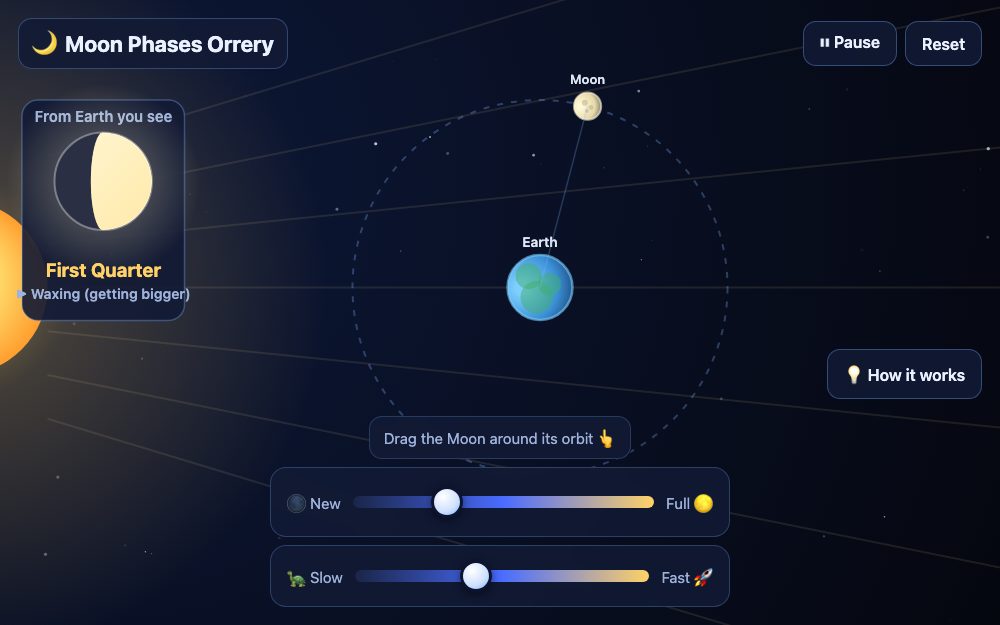
Moon Phases Orrery
by ArcadeLab
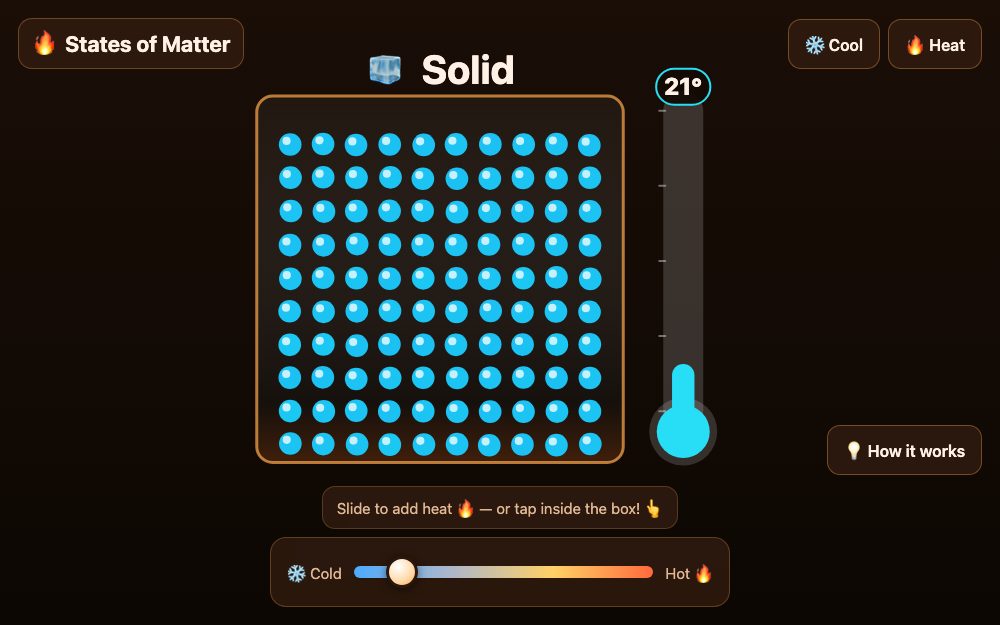
States of Matter
by ArcadeLab
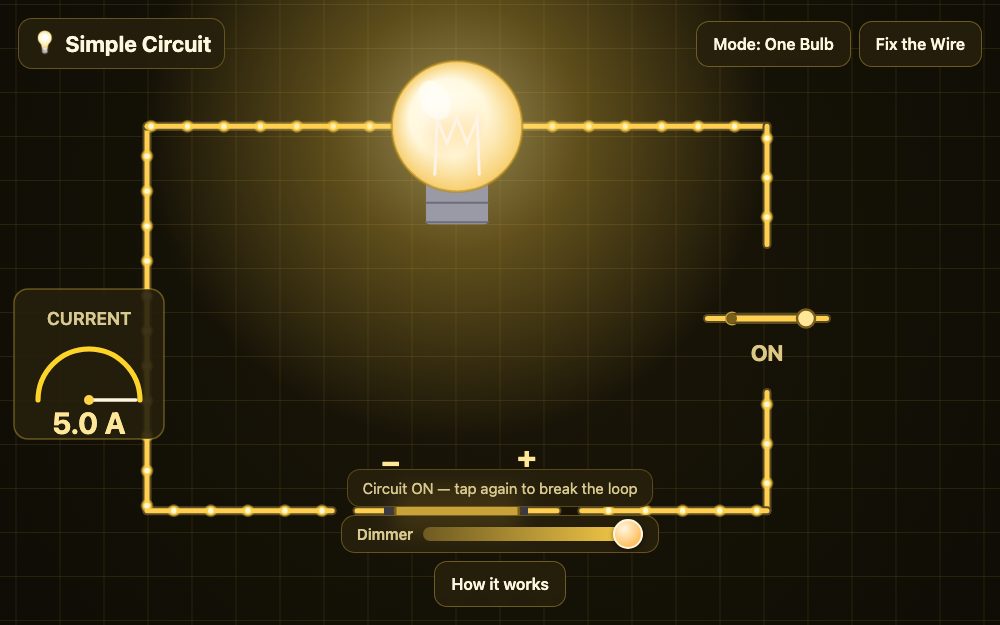
Simple Circuit
by ArcadeLab
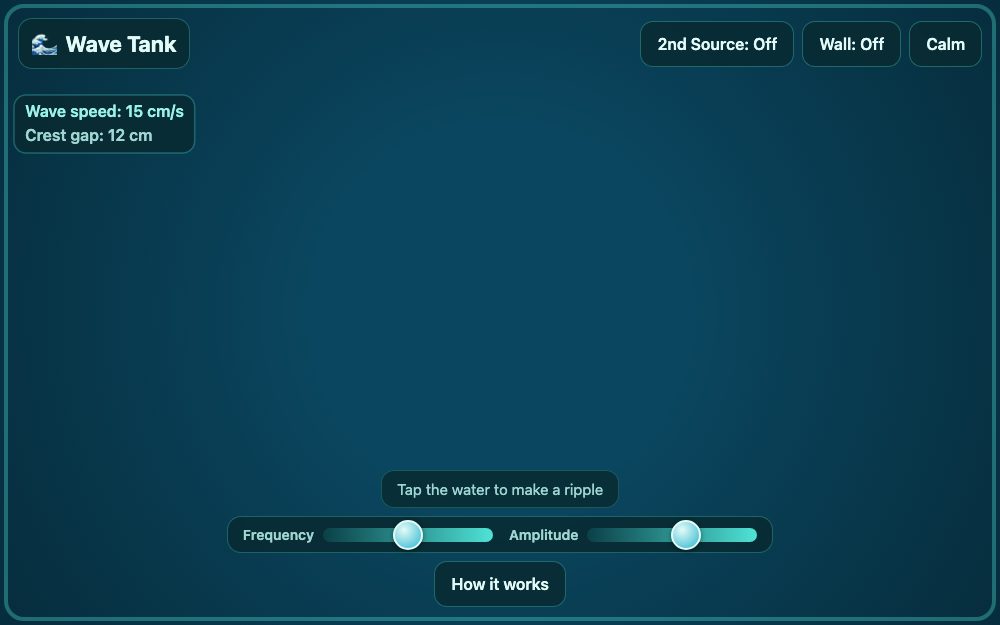
Wave Tank
by ArcadeLab
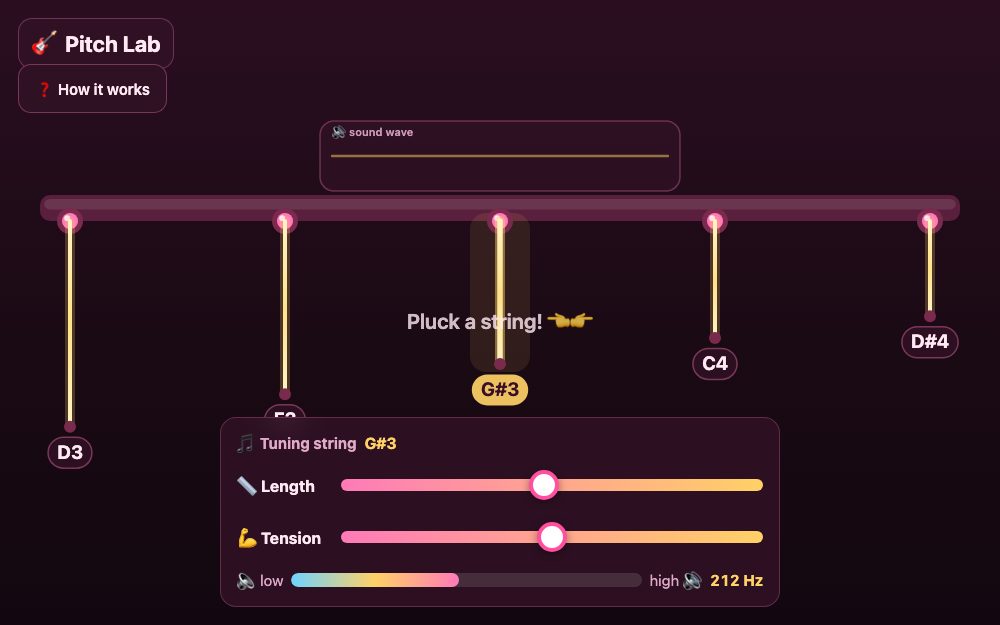
Pitch Lab
by ArcadeLab
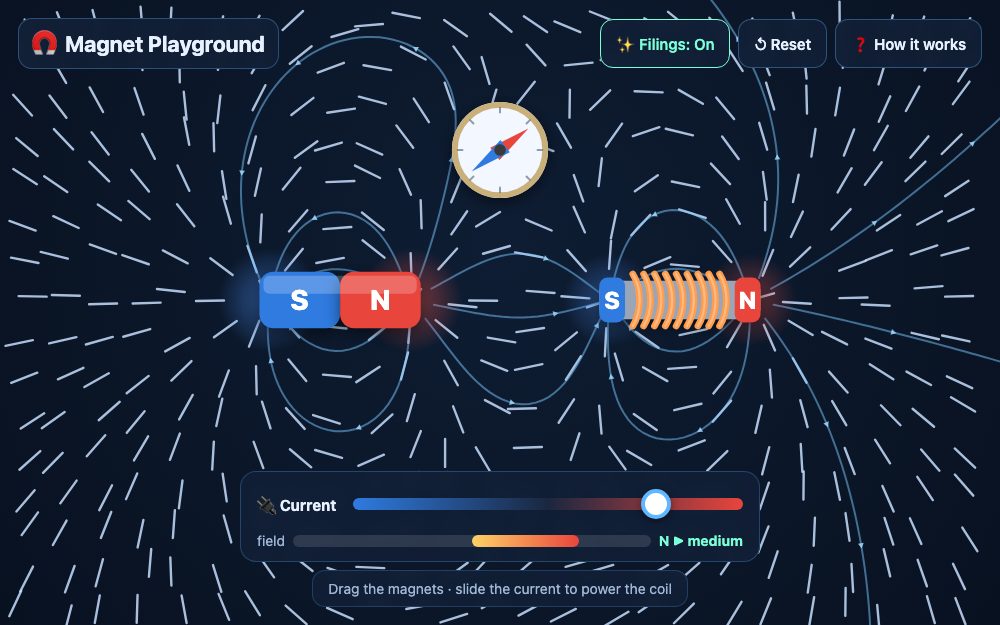
Magnet Playground
by ArcadeLab